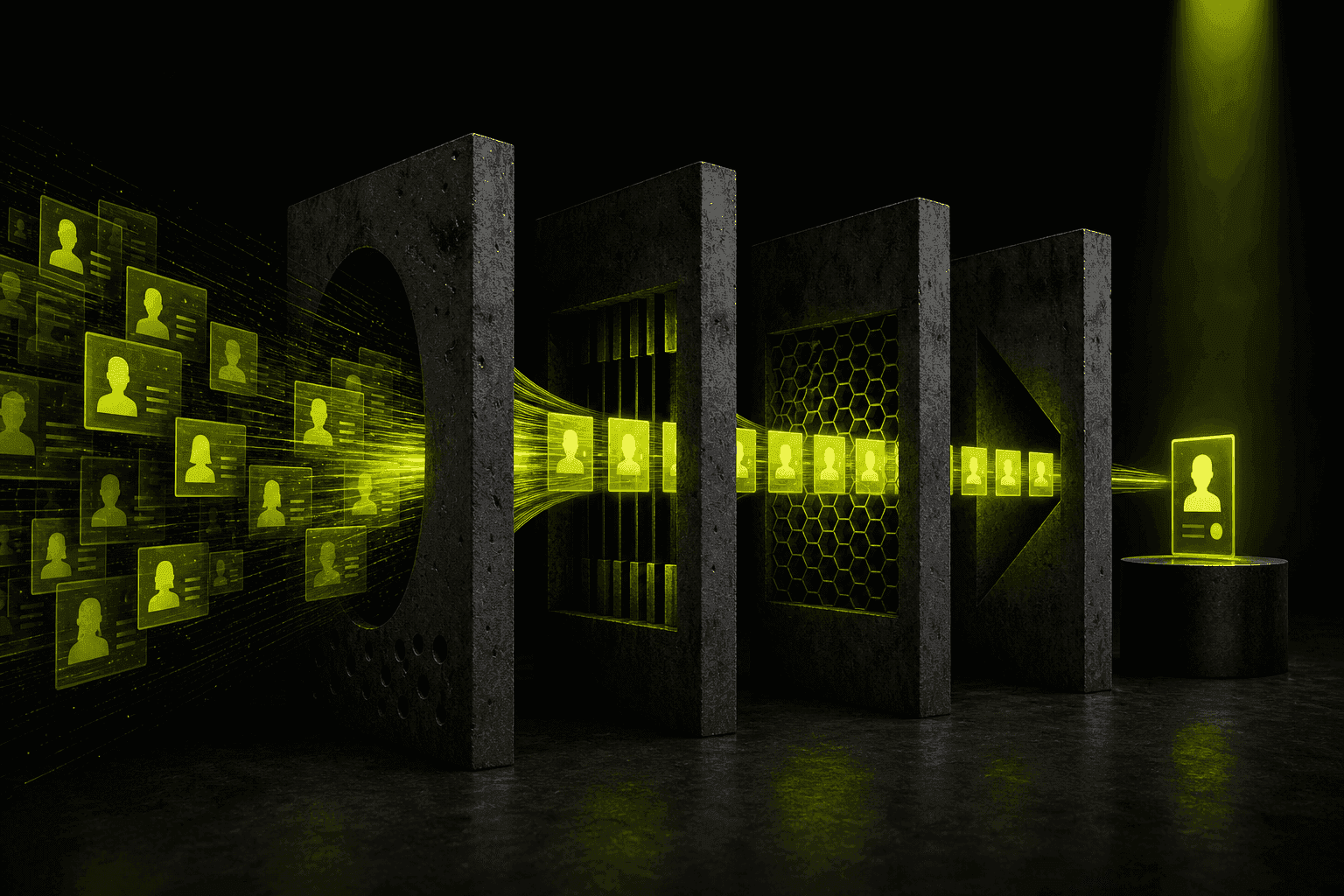
How to Cut Proposal Preparation Time from 30 to 3 Minutes? AI Sales Automation Architecture

In today's sales ecosystem, Response Time is not just a metric - it's the difference between winning and losing a deal. According to research published in Harvard Business Review, companies that contacted a lead within an hour were nearly 7 times more likely to reach a decision-maker than those that waited an hour longer.
According to research published in Harvard Business Review, companies took an average of 42 hours to reply to web enquiries. Yet a manual proposal takes 30-45 minutes. Learn how to build an AI Agentic Workflow that cuts this to 3 minutes without sacrificing quality.
Yet manually preparing a thorough, personalised proposal takes an average of 30-45 minutes. How do you get down to 180 seconds without losing quality? The answer is not "just use ChatGPT" - the answer is a fully orchestrated AI process.
/// THIS POST IN SHORT
Speed-to-Lead: Why the First Hour Matters
The classic study described in Harvard Business Review ("The Short Life of Online Sales Leads") revealed two things that should keep every sales leader up at night:
- Companies that contact a lead within an hour are seven times more likely to have a meaningful conversation than those that wait even an hour longer.
- Compared with companies that waited 24 hours or more, the odds were more than 60 times higher.
Yet in an audit of 2,241 US companies, the average response time was 42 hours, and 23% never replied at all. The lead who sent you an enquiry also sent it to three competitors. The winner is not the one with the best offer, but the one who replies first with a sensible proposal. Proposal automation is, in practice, a machine for winning that race.
Why ChatGPT Alone Is Not Enough (Business Perspective)
Many business owners make the mistake of thinking that AI adoption means opening a chat window. In a professional proposal process, a bare chatbot has three critical weaknesses:
- No context (RAG): ChatGPT does not know your current pricing, available timelines, or specific case studies - unless you paste them in manually, wasting the time you were trying to save.
- The copy-paste problem: Shuttling data between your CRM, email, and chat is still manual work that eliminates the speed advantage entirely.
- No repeatability: Every sales rep enters a different prompt, resulting in inconsistent brand communication and uneven proposal quality.
The solution is a custom system that integrates AI directly into your workflow - with no manual steps and no loss of quality control.
Solution Architecture: From Enquiry to PDF in 3 Minutes
The real magic happens under the hood. A professional automation system, known as an AI Agentic Workflow, is built on the following sequence:
- 1.Input (Webhook): A new lead enters the CRM (e.g. Pipedrive, HubSpot) or a specific tag appears in the inbox - the system triggers automatically.
- 2.Data Parser: A script extracts Structured Input from the submission: name, company, key problem, and budget.
- 3.RAG (Retrieval-Augmented Generation): The system searches your knowledge base (Notion, Google Drive, or a vector database) for similar past projects and current pricing.
- 4.LLM Orchestration: The engine (the latest model from the OpenAI GPT or Anthropic Claude family) receives structured data together with a precise System Prompt.
- 5.Template Engine: The generated text is injected into an HTML or Google Docs template that preserves your brand fonts, colours, and document structure.
- 6.Output: Automatic export to PDF and a Slack notification: "Proposal ready to send" - the sales rep clicks "send".
/// FLOW: FROM LEAD TO PDF QUOTE
Technology Stack: Your Toolbox
To build this flow you need proven, well-documented components:
- Orchestrator: Make or n8n - to connect all elements into a single pipeline.
- AI Brain: OpenAI API or Anthropic Claude - I cover model selection in the guide to choosing an LLM.
- Data Source: Webhooks from your CRM - Pipedrive, HubSpot, Salesforce.
- Document Generator: Google Docs API or PandaDoc - preserving brand and structure.
- Communication: Slack or email for notifications when a draft is ready.
The whole system can be launched without writing code (Make.com) or with minimal development effort (n8n + custom API). The choice depends on your operational scale and customisation needs.
The "Golden Prompt" - The Heart of Your Automation
Below is a professional system prompt you can implement in your AI module. It is one of the most important components of the entire system - it governs the quality and tone of every generated proposal:
### ROLE
You are a Proposal Expert at [YOUR COMPANY NAME]. Your task is to convert raw data into a professional sales proposal.
### CONTEXT
Client: {{CRM_Data_Client}}
Client problem: {{CRM_Data_Needs}}
Selected package: {{Pricing_RAG}}
### STYLE & TONE
Benefit-driven language, professional, specific, no filler. Avoid words: "unrivalled", "innovative", "comprehensive".
### STRUCTURE
1. Brief summary of problem understanding (Empathy gap).
2. Proposed solution with list of benefits.
3. Social Proof - result from a similar client in the knowledge base.
4. Clear pricing and Next Steps.
### OUTPUT
Return content in Markdown format, ready to inject into a PDF template.
Key principle: the better structured the input data from the CRM, the higher the quality of the output proposal. The pricing database is a static RAG file - AI only reads rates, it does not creatively interpret them.
Guardrails: How Not to Send the Client Nonsense
The biggest fear about proposal automation is: "what if AI invents a price or promises something we don't offer?". A well-designed system rules this out with several safeguards:
- Prices only from RAG, never from the model's head. Rates come from a static file/table. If an item is not in the price list, the system flags it for a human decision instead of guessing.
- Number validation. A rules layer checks that line items sum to the proposal total and that no zero or absurd amount appears.
- Closed list of services. The model selects packages only from your offer - it does not invent new products.
- Human-in-the-loop. The draft always waits for the sales rep's approval. Nothing goes to the client without a human click.
Here's what a price guard can look like in code. The model returns the offer in a fixed schema (structured outputs), and a simple script checks every item against the price list before the draft reaches the sales rep:
from pydantic import BaseModelPRICE_LIST = {"audit": 3000, "rollout_start": 6000, "maintenance_month": 300} # from a file or database, not the modelclass Item(BaseModel): code: str qty: int = 1 price: floatclass Offer(BaseModel): items: list[Item] total: floatdef check(offer: Offer) -> list[str]: errors = [] for i in offer.items: if i.code not in PRICE_LIST: errors.append(f"{i.code}: not in the price list - sales rep decides") elif i.price != PRICE_LIST[i.code]: errors.append(f"{i.code}: price {i.price} instead of {PRICE_LIST[i.code]}") if abs(sum(i.price * i.qty for i in offer.items) - offer.total) > 0.01: errors.append("total doesn't match the items") return errors # empty list = the draft can go for approval
These safeguards are exactly what separates playing with a chatbot from a production system you can trust with real sales.
Personalisation at Scale and Proposal Variants
Automation does not mean "one proposal for everyone". Quite the opposite - a well-designed system personalises faster than a human would:
- Match to the lead's industry - different language and case studies for e-commerce, different for manufacturing.
- Pricing variants - the system can generate three packages at once (e.g. Start / Standard / Premium), lifting the average order value.
- Social proof from the base - RAG picks the closest case from your portfolio.
- Communication language - the same proposal in two languages with no double work.
Measurable Results: What Do You Gain?
Numbers from a rollout at a manufacturing company where two sales reps prepared about 200 proposals a month:
| Metric | Before | After automation |
|---|---|---|
| Proposal prep time | about 30 min | about 3 min |
| Sales reps' monthly time on proposals | about 100 h | about 10 h |
| System running cost | - | about PLN 300 a month |
| Payback | - | before the end of the second month |
I don't promise a sales win-rate increase as a percentage, because it depends on the market and the reps. Measure it yourself: compare the share of proposals sent the same day and the share of proposals won over three months before and after the rollout.
Implementation Checklist: How to Start?
If you want to implement this in your company, work through the following steps:
- 1.Audit your current process - where do you lose the most time? How many proposals do you prepare each month?
- 2.Prepare the knowledge base - pricing, service descriptions, client testimonials in AI-readable format (PDF, Notion, Google Docs).
- 3.Configure the parser - teach the system to extract key data from emails or contact forms.
- 4.Prompt testing - iterative tuning of your brand's "voice". Minimum 20-30 tests before going to production.
- 5.Human-in-the-loop implementation - AI creates the draft, you give the final "go" before sending. This is the key to quality control.
Frequently Asked Questions (FAQ)
Key Takeaways
Proposal automation is not a gadget for large corporations - it is a tool for any company that prepares more than a handful of proposals per month. The critical components are: a CRM webhook (trigger), a RAG knowledge base (context), a precise System Prompt (quality), and human-in-the-loop (control). The whole system deploys in 2-3 weeks. The result: 90% less time per proposal, faster response time, and a higher close rate. Your competitors are still formatting tables in Word.
Related Articles
/// RELATED_SERVICES
Need these concepts implemented? Explore the services related to this topic.
/// RELATED_RECORDS
Polish Embedding Models - bge-m3, multilingual-e5 or PolDense? A Test on 900 Questions
Which embedding model should you use for Polish RAG? I tested 10 models and BM25 on 900 real customer questions: results, robustness to missing diacritics and typos, the prefix that costs 30 points, the PIRB ranking, API prices, cost at two scales, licences and code.
AI Adoption in Your Team - Why Licences Sit Unused and How to Get People Using AI
According to Gartner, only 5% of companies that finished a Copilot pilot planned a larger rollout, and just 8% of employees use AI daily. Five kinds of resistance and what works, the role of managers, AI champions, measuring adoption at three levels and a 90-day plan.
How to Choose an AI Implementation Partner - 15 Questions, Warning Signs and Contract Clauses
According to MIT NANDA, 95% of AI pilots show no financial impact, yet deployments with partners succeed in 67% of cases. In-house, partner or hybrid, 15 questions to ask, warning signs, contract clauses and a pilot with success criteria.

Signal received?
Terminate
Silence
Initiate protocol. Establish connection. Let's build something loud.