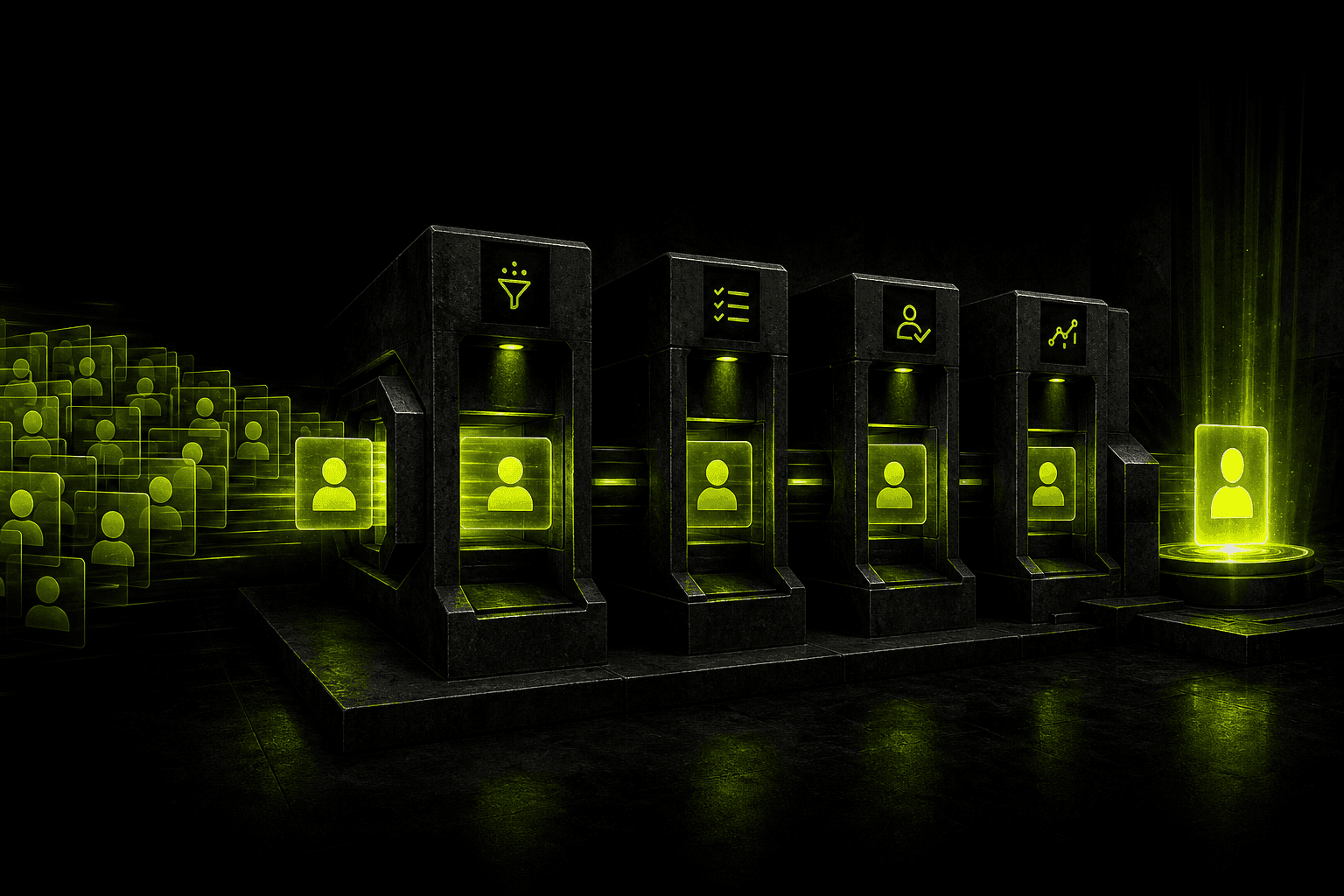
AI Integration with CRM - Turning Your Client Database into a Sales Machine

AI integration with CRM automatically extracts structured data from emails, calls and forms and writes it into the right fields - without any manual work from the sales rep. The result: client cards filled in real time, follow-ups created automatically, and duplicates caught by AI rather than discovered by accident. This is the solution for companies where the CRM is a "digital graveyard" - everyone has it, nobody updates it.
Sales reps skip notes, the client database is a mess, and you have no idea what's actually happening in the pipeline. The CRM became a digital graveyard of data. Learn how AI turns it into an autonomous sales system - with JSON Contract, RAG, and validation logic.
Does your company have a CRM that the sales team treats as a necessary evil? You're not alone. Most implementations end the same way: reps don't fill in notes, the client database is chaotic, and you as the owner have no idea what's actually happening in the pipeline. Instead of helping, the CRM becomes a digital graveyard of data.
AI integration with CRM means connecting your client database (e.g. HubSpot, Pipedrive, Salesforce) to language models through a secure middleware layer. The system automatically analyses emails, calls, and forms - extracting hard data and writing it into the right fields. Your sales rep focuses on building relationships, not typing data into tables.
Signs Your CRM Is Dying
If you recognise at least three of these, the system is losing to reality:
- No notes: Client cards are empty or contain a brief "we spoke".
- Lost context: A sales rep leaves the company and takes all the relationship history with them.
- Missed follow-ups: Leads go cold because nobody set a reminder.
- Duplicates: The same client entered three times under different names because nobody checked the tax ID.
- Fear of reports: Management avoids dashboards because they know half the data is inaccurate.
I won't build you a nicer dashboard. I'll fix the data at the source.
What AI Changes in CRM - Concrete Results
Salesforce's "State of Sales" report shows that sales reps spend about 70% of their time on non-selling tasks - admin, meeting prep, updating systems. AI in CRM targets exactly that part:
- Recovered time: notes, fields and follow-ups fill themselves in, and the rep just approves them.
- Higher data quality: AI doesn't forget to enter the budget amount or the date of the next contact.
- Faster onboarding: a new employee gets a summary of the client's history instead of digging through hundreds of emails.
- Scalability: the same team handles more enquiries, because admin doesn't grow with the number of leads.
/// FLOW: CALL → AI → CRM (FULL AUTOMATION)
A Sales Rep's Day - Before and After
Without AI (standard chaos): Mark finishes a difficult one-hour call. He has all the details in his head: a discount agreement, delivery timeline, objections about a competitor. Another call comes in. By end of day he remembers 20% of the first conversation. In the CRM he types: "Client interested, send proposal Thursday." End of data.
With AI (full control): Mark ends the call. In the background, the system analyses the transcript. Before he puts the handset down, the CRM already has: budget £45,000, decision-maker is the Technical Director, main objection is warranty period, stage: Proposal. On Slack, a drafted thank-you email is waiting. Mark clicks Send.
Is This the Right Solution for You?
Yes, if:
- You have a sales team (at least 2-3 people).
- Your reps handle a lot of email or phone conversations.
- You sell B2B, where the decision cycle is long.
- You use a system with an API: HubSpot, Pipedrive, Salesforce, Microsoft Dynamics, Zoho.
No, if:
- You sell low-value impulse products (B2C e-commerce without customer service).
- You have 5 clients per year and know all of them by name.
Built-in CRM AI or Your Own Integration?
In 2026 most CRMs already have their own AI: HubSpot is building Breeze, Salesforce has Agentforce, Pipedrive adds AI features on all plans. Before you order an integration, check whether what you already have is enough:
| Need | Built-in CRM AI | Your own integration |
|---|---|---|
| Call and email summaries on the client card | Usually enough | Not needed |
| Email and follow-up drafts | Usually enough | When you need your own price list and rules |
| Filling custom fields from phone calls | Partly | Yes, when fields are industry-specific |
| ERP, stock or price list data in a decision | Rarely | Yes |
| A CRM without built-in AI (e.g. Polish Livespace, Firmao, Synergius) | - | Yes |
| Control over where data goes | Depends on the vendor | Full |
A practical rule: start with built-in features, measure how many fields still stay empty, and build your own integration only for that gap. A good metric is the share of client cards with a filled-in budget, decision maker and next contact date - before the rollout and a month after.
How I Build AI Integration with CRM
As an engineer, I don't believe in magic plugins. Professional architecture has to be bulletproof, secure, and fast.
- Middleware (n8n / Python): The "brain" of the operation, managing data flow. AI never writes directly to the database unsupervised.
- Queuing (Redis): if the model API is briefly unavailable or returns a rate limit, data isn't lost - it waits in the queue.
- RAG: The system reads your price lists and PDF proposals so AI knows what the sales rep can actually promise.
- Validation Layer: Code verifies that AI returned valid JSON before every write to the CRM.
AI Decision Contract - JSON Instead of an Essay
AI cannot return descriptive text like "the client seems interested". It must return a strictly defined data structure that the system can process and write into specific CRM fields.
{ "client_intent": "BUYING", "budget_extracted": 45000, "detected_pains": ["long_delivery_time", "current_provider_issues"], "decision_date": "2026-05-15", "confidence_score": 0.98, "automatic_stage_update": "Negotiation", "requires_human_review": false, "idempotency_key": "CRM-NOTE-20260425-CONT482-9e2a"}
The confidence_score field works identically to my other systems: below 0.85 - the change goes to manual sales rep review, not automatic write. The system never "guesses" in key financial fields.
Code in Practice: Python + Structured Outputs
A simple example: the model extracts data from a note in a fixed schema, and the SDK returns an object matching a Pydantic model right away. The API key and model name come from configuration, never from code.
import osfrom datetime import datefrom pydantic import BaseModelfrom openai import OpenAIclient = OpenAI() # key from OPENAI_API_KEYMODEL = os.environ.get("CRM_MODEL", "gpt-6-luna")class CRMNote(BaseModel): budget: int | None decision_date: date | None decision_maker: str | None main_objection: str | None confidence: floatdef process_crm_note(note: str) -> CRMNote: r = client.responses.parse( model=MODEL, input=[ {"role": "system", "content": "Extract data from the sales rep's note. If something isn't in the text, return null - don't guess."}, {"role": "user", "content": note}, ], text_format=CRMNote, ) return r.output_parsedThe "return null, don't guess" instruction matters more than it looks: without it the model will happily fill in a budget the client never mentioned.
Most Common Mistakes When Implementing AI in CRM
| Mistake | What Happens | How I Fix It |
|---|---|---|
| No rate limit handling | 100 leads at once → 429 errors from the API → CRM errors | Redis queuing + retry with exponential backoff |
| Infinite loop | AI updates field → CRM sends webhook → AI updates again | Scope lock: webhook ignores changes from AI_BOT account |
| No data masking | PII and account numbers sent to cloud unfiltered | Data Masking before every API call |
| API key in code | One shared script = key leak | Environment variables and secure Vault |
Security and GDPR
The most common concern from business owners. Here is the clear answer:
- API policy: Using a paid API (not the free chat), your data is not used to train public models. It is isolated and protected by contract.
- Data Masking: Before sending to AI, my system automatically strips account numbers, personal IDs, and private phone numbers. Only what is necessary reaches the model.
- Human-in-the-loop: AI proposes CRM changes. Final approval for key deals always belongs to the sales rep.
Traditional CRM vs CRM + AI
| Feature | Traditional CRM | CRM + AI |
|---|---|---|
| Filling in fields | Manual (often skipped) | Automatic from emails and calls |
| Finding information | Searching hundreds of emails | Ask: "What did we agree with company X?" |
| Writing proposals | Copy-paste from Word | Draft tailored to client's specific objections |
| Lead management | By entry date | By priority and potential (scoring) |
How Implementation Works - Step by Step
- 1.Technical audit - I check your CRM's API, built-in AI features and the current state of your data.
- 2.Logic design - We agree on what AI should do: extract budget, decision date, main objections.
- 3.MVP build - In 7-10 days I launch the first process so you see results on live data.
- 4.Scaling - Adding more modules: competitor analysis, automatic proposal drafts, lead scoring.
FAQ - AI Integration with CRM
---
Want to check whether your CRM can handle this level of automation? I help with this as part of AI process automation - starting with a check of the API, data quality and what your CRM's built-in features can already do.
/// RELATED_SERVICES
Need these concepts implemented? Explore the services related to this topic.
/// RELATED_RECORDS
Polish Embedding Models - bge-m3, multilingual-e5 or PolDense? A Test on 900 Questions
Which embedding model should you use for Polish RAG? I tested 10 models and BM25 on 900 real customer questions: results, robustness to missing diacritics and typos, the prefix that costs 30 points, the PIRB ranking, API prices, cost at two scales, licences and code.
AI Adoption in Your Team - Why Licences Sit Unused and How to Get People Using AI
According to Gartner, only 5% of companies that finished a Copilot pilot planned a larger rollout, and just 8% of employees use AI daily. Five kinds of resistance and what works, the role of managers, AI champions, measuring adoption at three levels and a 90-day plan.
How to Choose an AI Implementation Partner - 15 Questions, Warning Signs and Contract Clauses
According to MIT NANDA, 95% of AI pilots show no financial impact, yet deployments with partners succeed in 67% of cases. In-house, partner or hybrid, 15 questions to ask, warning signs, contract clauses and a pilot with success criteria.

Signal received?
Terminate
Silence
Initiate protocol. Establish connection. Let's build something loud.