AI Order Management Automation — How AI Handles the Full Cycle from Cart to Complaint Without Manual Work

AI can handle every stage of the order lifecycle — from the customer placing an order through delivery, invoice generation, and complaint resolution — without any manual work from your team. That means an automatic confirmation in under a second, an invoice generated at the moment of dispatch, status notifications sent without being asked, and a return processed without a single phone call.
AI can handle every stage of the order lifecycle — from receipt through confirmation, invoicing, shipping, all the way to returns and complaints — without manually copying data between systems. See how the full automation pipeline works, what it integrates, what it costs, and when the ROI makes sense.
In this article I'll show you what full order management automation looks like: what AI does at each of the seven stages, which systems it integrates with, what it costs, when the ROI makes sense — and why this is one of those processes that truly "plays both ways" simultaneously: cutting costs on the company side while improving the experience on the customer side.
Why Manual Order Handling Destroys Efficiency
A single B2B order can require: manually copying data from an email or PDF into the ERP, checking stock in a separate system, sending a confirmation (with a delay), issuing an invoice via export to accounting software, updating the status in the CRM, and sending a shipping notification after receiving a tracking number from the courier.
Each step takes 2–10 minutes of work. With 50 orders per day that is up to 500 minutes — over 8 hours every single day just copying data. And every step is a potential error: wrong address, wrong quantity, delayed confirmation, invoice issued to the wrong buyer.
In e-commerce, customers expect a confirmation within seconds, not hours. In B2B — professional documentation with no mistakes and consistent handling regardless of the time an order is placed.
AI does not eliminate these steps — it executes them faster, in parallel, and without errors caused by fatigue.
Full Order Cycle with AI — Step by Step
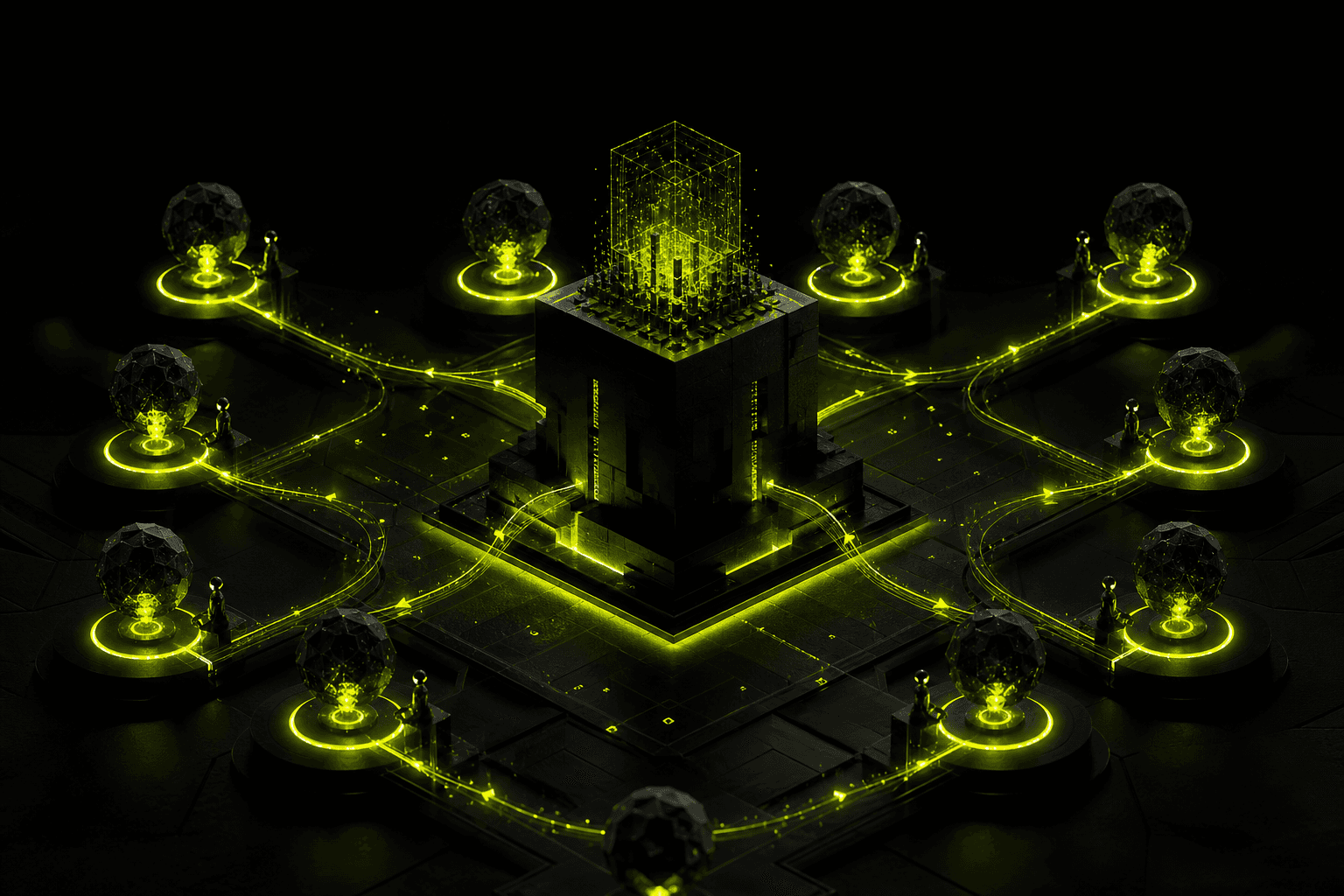
/// ORDER AUTOMATION: INBOUND → AI → OUTBOUND
⟵ INBOUND
OUTBOUND ⟶
Stage 1: Order Receipt
Orders can arrive through many channels: webstore (WooCommerce, Shopify, PrestaShop, Magento), B2B form on the website, customer email (PDF, scan, plain text), marketplace platform (Amazon, eBay, Walmart), EDI from a large client, or phone call (transcribed by STT and processed by AI).
Automation normalises data from all channels into a single format and feeds it into the ERP — regardless of the source. For email or PDF orders: AI Vision reads the data just as in invoice automation — recognising products, quantities, prices, and customer details, then validating them before saving.
Stage 2: Validation and Verification
Before an order proceeds to fulfilment, AI checks whether the customer is an active account (B2B: credit limit, active contract, no outstanding debt), whether ordered products are available in the requested quantity, whether prices and discounts match the active price list or framework agreement, and whether the delivery address is valid and served by the selected courier.
On any discrepancy — an automatic notification goes to the customer or sales rep instead of fulfilling an incorrect order. You save the cost of a wrong shipment, which is typically 5–15× higher than the cost of validation.
Stage 3: Confirmation and Communication
The customer receives a confirmation within seconds of placing the order — with an order number, specification, estimated delivery date, and a link to track the order status. No manual work from your team whatsoever.
In B2B: the confirmation can include a pro-forma invoice or an official order acknowledgement with a number and company stamp, automatically generated as a PDF in a template consistent with your visual identity.
Stage 4: ERP and Warehouse Integration
Once approved, the order flows automatically into the WMS (Warehouse Management System) or the ERP warehouse module — with a pick-and-pack instruction, an assigned workstation, and a priority level. Once packed: a shipping label is generated via the courier's API, the dispatch confirmation returns to the system and updates the order status.
Courier integration (DHL, UPS, FedEx, DPD, USPS) via their APIs or through aggregators eliminates the manual booking of shipments and copying of tracking numbers between systems.
Stage 5: Automatic Invoicing
The invoice is generated automatically upon shipment confirmation or at the point defined in the client contract (e.g. on receipt of a deposit or at delivery). It reaches the customer by email, simultaneously appearing in the ERP and accounting software. Zero manual invoice creation.
For businesses using government e-invoicing platforms: the invoice is submitted automatically via API — no manual portal logins, no manually sending XML files.
Stage 6: Delivery Monitoring and Proactive Communication
The system tracks the shipment status via the courier's API and responds automatically: delivery delayed — the customer gets a notification before they think to ask, delivery problem — an automatic claim is filed with the courier and the customer receives a message with a proposed resolution, delivery completed — a receipt confirmation request and optionally an invitation to leave a review.
This is exactly "playing both ways": the system does not just react to problems, it predicts them and communicates proactively — without waiting for a phone call.
Stage 7: Returns and Complaints Handling
The customer submits a complaint via form, email, chat, or phone. AI identifies the order and the customer's history, classifies the type of problem (damage, delay, wrong product, missing delivery), checks the returns policy and the customer's entitlements, generates a return label or initiates the complaints procedure, and keeps the customer informed at every step.
Only in complex cases requiring negotiation or involving exceptional financial value — escalation to a human with the full case context already prepared.
Inbound and Outbound — AI Handles Both Directions Simultaneously
| Direction | What comes in (Inbound) | What goes out (Outbound) |
|---|---|---|
| Orders | Webstore order, email, PDF, EDI, marketplace | Confirmation, pro-forma, PDF invoice, shipping label |
| Communication | Customer questions, status queries, change requests | Notifications, status updates, delivery confirmations |
| Data | New orders, payments, stock levels, courier data | Sales reports, low-stock alerts, management dashboard |
| Complaints | Customer submissions, damage photos, emails | Claim decisions, return labels, vouchers, credit notes |
The key advantage: AI handles BOTH directions simultaneously in one pipeline. This is not a separate system for sending emails and a separate one for reading submissions — it is one orchestrator that reacts to incoming events and generates the appropriate outgoing actions, synchronising all systems without manual switching.
Technology Stack — How to Build It
Depending on scale and existing infrastructure, order management automation can be built in several ways.
No-code / low-code (small and mid-sized businesses): n8n or Make as the main flow orchestrator connects a webstore webhook with ERP API and email API. Ready-made integrations with popular marketplaces, couriers, and e-commerce platforms. Implementation time: 2–4 weeks.
Custom AI agent (higher requirements, non-standard business rules): Python with LangGraph for complex decision logic, LLM with AI Vision for processing orders from emails and PDFs, a dedicated order database with a full audit log, integrations via REST API or EDI. Implementation time: 4–8 weeks.
Enterprise: Middleware to normalise data from dozens of channels, integration with an existing ERP (SAP, Microsoft Dynamics, Oracle), SLA at the level of thousands of orders per day with failover and monitoring.
| Tool | Role in the pipeline | When to use |
|---|---|---|
| n8n / Make | Flow and integration orchestrator | Small and mid-sized businesses, ready connectors |
| Order aggregator (e.g. Linnworks) | Central hub for multi-channel orders | Stores on multiple marketplaces + own site |
| LangGraph / Python | Complex logic, AI Vision, agents | Non-standard rules, high volumes, B2B |
| ERP (SAP / Oracle / Dynamics) | Target system for stock and invoicing | Businesses with an existing ERP |
| Courier aggregator | Multi-courier labels and tracking | Multi-carrier shipping without separate integrations |
| e-Invoicing API | Electronic B2B invoicing | Businesses issuing invoices to other businesses |
Implementation Cost and ROI
| Automation scope | Implementation cost | Monthly running cost | Return on investment |
|---|---|---|---|
| No-code: one channel + one ERP (< 200 orders/month) | $2 000–4 000 | $100–200 | 2–4 months |
| Multi-channel + AI Vision + complaint agent | $6 000–15 000 | $250–500 | 3–6 months |
| Enterprise with SAP / Oracle integration | $15 000–50 000 | $600–1 500 | 6–18 months |
The main sources of savings are the elimination of manual data entry (2–8 hours per day at high volumes), zero errors in orders (one wrong shipment costs 5–20× more than a correct one), faster fulfilment times (customers reorder more often when service is fast and frictionless), and scaling without proportional cost growth — the same cost at twice the order volume.
When Automation Does NOT Make Sense
Order management automation is not always the right investment. It is not worth implementing when the company processes fewer than 20–30 orders per month (the implementation cost will not pay back in a reasonable timeframe), when every order is unique and requires individual negotiation (e.g. bespoke projects, complex product configurations), or when there is no ERP system with an API on the other side (integration requires infrastructure on both ends of the pipeline).
Frequently Asked Questions
Related Articles
- AI Invoice Automation — Reading PDFs from Email and Posting to ERP
- AI Integration with ERP Systems
- AI Automation for Multi-Channel E-Commerce
- AI in Customer Service — Chatbot, Agent, Human
---
I help businesses automate the full order management cycle — from webstore or B2B system integration through ERP, WMS, and couriers, to invoicing and complaint handling. Get in touch — I start with a free analysis of your current order flow and show you what can be automated first for the highest return.
/// RELATED_SERVICES
Need these concepts implemented? Explore the services related to this topic.
E-commerce AI
AI for online stores: AI product description generation, intelligent product recommendations, and full e-commerce AI automation for Shopify, WooCommerce, and BaseLinker.
View serviceServiceAI & Automation
Virtual employees who never sleep. Autonomous agents and workflows.
View service/// SOURCES
/// RELATED_RECORDS
Vibe Coding: Complete Guide to AI Coding Tools 2026
Claude Code, Cursor, GitHub Copilot, Codex CLI, Gemini CLI, Lovable, Bolt.new — 60% of all new code worldwide is AI-generated (Gartner, 2026). A complete map of 11 vibe coding tools across 3 categories, with pricing, use cases, and a selection guide for businesses.
AI Deep Research — How an Agent Searches the Web and Writes the Report Instead of Your Analyst
OpenAI Deep Research, Perplexity, and web-browsing agents are reshaping desk research: a report that takes an analyst 4–8 hours, an agent finishes in 5–20 minutes with source citations. I explain how these tools work, when they genuinely replace a human and when they don't, what ROI looks like, how to build your own research-automation pipeline, and when it makes sense to let the agent do it instead of an employee.
AI in Recruitment and HR 2026 — CV Screening Automation, EU AI Act Obligations, and When AI Helps vs Hurts
AI cuts CV screening time by 75%, but recruitment systems are classified as high-risk AI under the EU AI Act — with a full compliance package: human oversight, transparency, technical documentation, EU database registration. I explain what AI in HR can safely do (screening as a filter, chatbot, onboarding), where the line is (autonomous decisions without a human), which tools work for SMEs, and how to avoid legal exposure.

Signal received?
Terminate
Silence
Initiate protocol. Establish connection. Let's build something loud.