AI in Customer Service: Chatbot, AI Agent or Human - When to Choose What

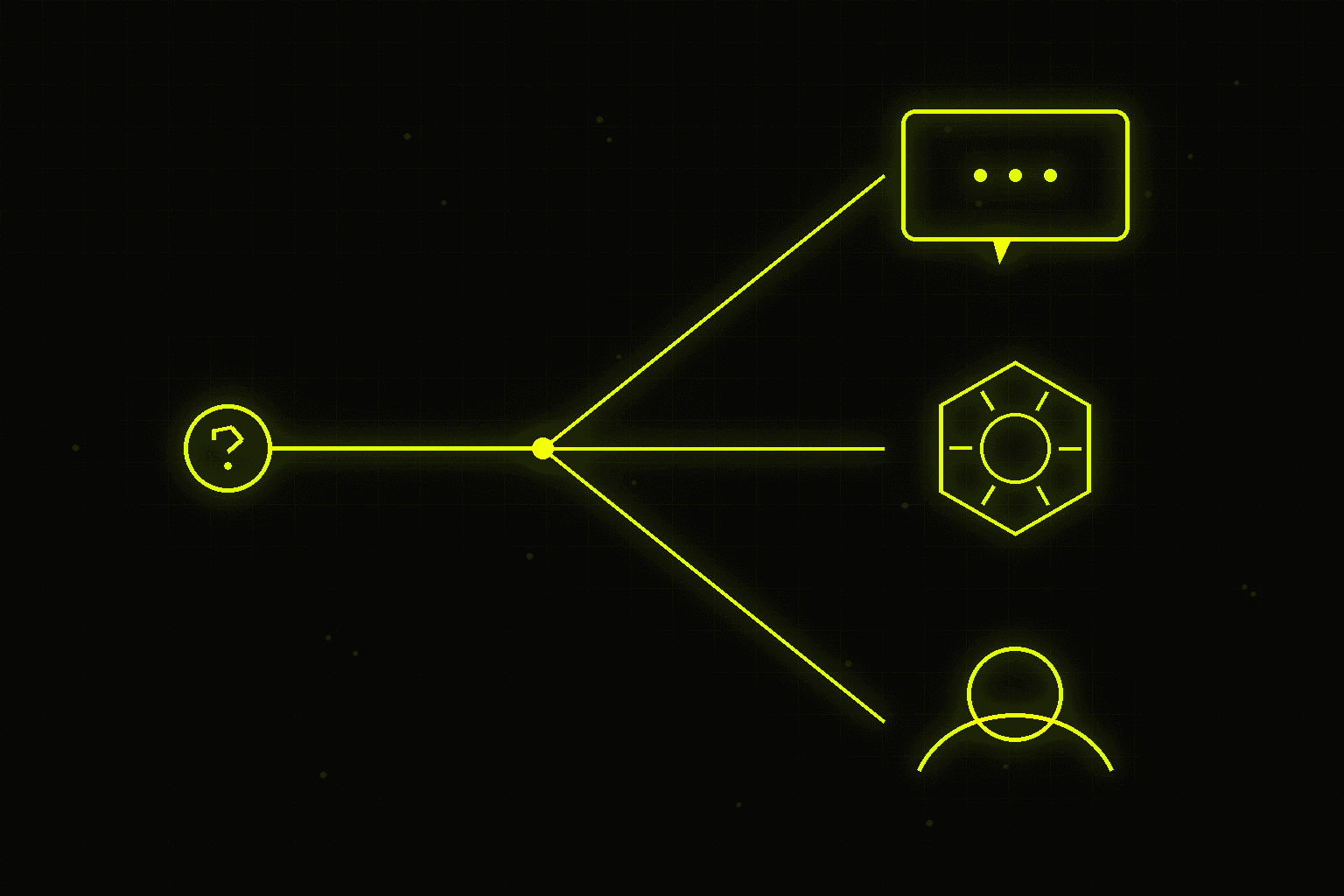
Three questions that determine the right tool:
Chatbot, AI agent, or human escalation - this decision costs companies a fortune when made wrong. A decision matrix, three case studies, and five deployment mistakes that destroy CSAT instead of improving it.
1. Is the answer contained in the knowledge base or system data? Yes → consider chatbot or AI agent. No → goes to a human.
2. Does the request require an action (change, order, return, booking)? Yes, standard → AI agent with API access. Yes, non-standard → human with AI suggestion.
3. Is the customer emotionally engaged (complaint, frustration, loss)? Yes → human. Always.
This isn't a simplification. It's the boundary beyond which technology stops helping and starts causing damage.
/// DECISION MATRIX — CHATBOT vs AI AGENT vs HUMAN
Chatbot: when it's enough and when it destroys the customer experience
A chatbot - understood as a system answering questions based on rules or a FAQ database - is the right tool in a very specific scenario: predictable questions, known answers, low error risk.
Examples where chatbots work well: - "What are your opening hours?" → static answer, zero risk - "What is the status of my order?" → API response, deterministic - "How do I return a product?" → knowledge base response, standard procedure - "How much is shipping to Germany?" → price list response, no interpretation needed
Where chatbots destroy value: when the question requires interpreting context that lies outside the script. Customer asks "my order is delayed, what should I do" - chatbot provides a link to the delays FAQ. Customer is frustrated, gets a link. Result: they escalate to a human in anger instead of a neutral mood.
The metric that detects this: deflection rate vs resolution rate. If the chatbot "deflects" 60% of conversations but only 20% are resolved without the customer returning - you have a scope problem, not a performance problem.
AI Agent: when it's better than a chatbot
An AI agent differs from a chatbot in that it doesn't just respond - it acts. It can execute an action, pull data from an external API, change a state in the system, send an email, generate a document.
Cases where AI agent beats a chatbot: - Changing delivery address → agent calls orders API, changes data, confirms - Generating a credit invoice → agent pulls data from ERP, generates document, sends - Checking availability and booking a slot → agent queries calendar, books, sends confirmation - Answering a complex technical question → agent searches documentation, synthesizes answer from 5 sources
Key architectural difference: a chatbot says "do X through the form on the website." An AI agent says "I did X, here's the confirmation." This fundamentally changes the customer experience.
AI agent limitations: tasks requiring subtle relational interpretation - a long-term customer with a unique history, a non-standard warranty case, negotiating terms. Here the agent can suggest options, but the decision should be made by a human. This isn't just good UX - if an agent independently rejects a complaint or drops a lead from the pipeline, you're in GDPR Article 22 territory, which I break down in GDPR and AI.
Hybrid: Human + AI
The best customer service is neither fully automated nor fully human. It's a hybrid.
Three hybrid service patterns:
Pattern 1: AI as first line AI handles 70-80% of requests autonomously. When it's not confident in the answer (confidence below threshold) or detects negative emotions - it transfers to a human with full conversation context, problem category, and proposed solution.
Pattern 2: AI as human assistant The support agent sees on their screen: AI's suggested response, customer history from CRM, similar previous cases and their resolutions. The human decides, AI reduces handling time by 40-60%.
Pattern 3: AI in the background, human at the front AI does all the "paperwork" - fetches data, prepares documents, fills systems. The human talks to the customer, AI performs actions in the background. Handling time drops by 50-70% without changing the conversation tone.
How to decide which actions an agent takes on its own and which need approval, and how to design the approval queue and escalations, is covered in the post on human-in-the-loop in practice.
Decision matrix: which tool for which task
| Request type | Chatbot | AI Agent | Human + AI |
|---|---|---|---|
| Order status | yes | yes | no |
| Data change | no | yes | no |
| Standard complaint | no | yes (draft) | yes (decision) |
| Emotional complaint | no | no | yes always |
| FAQ questions | yes | no | no |
| Appointment booking | no | yes | no |
| Custom quote | no | no | yes always |
| Known technical issue | yes | yes | no |
| New technical issue | no | no | yes |
Three case studies with numbers
Case study 1: Fashion e-commerce, 4,500 inquiries/month
Before: 4 support staff, response time 12-24 hours, CSAT 3.8/5.
Deployment: AI agent as first line (n8n + OpenAI + order management API). Handles: order statuses, initiating returns, address changes, product catalog questions. Transfers to human: complaints, grievances, cases without clear category.
Results after 3 months: - 72% of inquiries handled autonomously - First response time: from 14 hours to 4 minutes - CSAT: from 3.8 to 4.4/5 - Support workload reduced by 55% - Deployment cost: 3,900 EUR + 335 EUR/month operational
Case study 2: B2B SaaS, technical support, 800 tickets/month
Before: 2 developers doing "support," 70% of time on repetitive questions. Resolution time: 6-18 hours.
Deployment: AI agent with access to documentation (RAG), previous ticket database and changelog. Handles known issues and configuration questions autonomously. Complex bugs go to human with full AI diagnosis.
Results: - 65% of tickets resolved by AI without escalation - AI resolution time: 2-8 minutes - Developers reclaimed 40% of time (returned to product) - Duplicate tickets dropped by 80%
Case study 3: Medical clinic, 1,200 contacts/month
Before: Reception handled bookings, appointment changes, pre-exam preparation questions. 3 staff, phone wait time 15-25 minutes.
Deployment: Chatbot (WhatsApp + SMS) for bookings and changes. AI agent for preparation questions (knowledge base search). Medically sensitive questions → immediate handoff to staff.
Results: - 45% of bookings and changes handled via chatbot - Wait time: from 20 minutes to 2 minutes (for human-required cases) - Receptionists focus on cases requiring empathy - Customer service operational costs reduced by 35%
/// DEPLOYMENT RESULTS — BEFORE & AFTER
How to measure success - metrics that matter
Don't measure AI deployment by "how many conversations the bot took." That's a vanity metric. Measure by customer outcomes:
First Response Time (FRT) - time to first meaningful response. AI should reduce it from hours to minutes or seconds. Industry benchmarks: e-commerce < 5 minutes, SaaS < 2 hours, finance < 1 hour.
First Contact Resolution (FCR) - percentage of cases resolved without requiring follow-up contact. AI typically raises FCR for simple cases but can lower it for complex ones if it responds incorrectly instead of escalating.
CSAT after AI vs human interaction - track separately. If CSAT after AI is lower by more than 0.5 points - AI is handling cases that should be handled by humans.
Escalation rate - percentage of AI interactions that end in human escalation. 20-30% is healthy. Below 10% - suspicious, bot may be deflecting instead of escalating. Above 50% - scope is too broad.
Five mistakes that destroy CSAT instead of improving it
Mistake 1: Chatbot with no escalation path
The customer can't reach a human. Gets stuck in bot loops. Calls, writes on Facebook, leaves a negative review. This is the most common and most expensive mistake in its consequences.
Rule: always, at every point in the process, there must be a clear path to a human. "Talk to a consultant" as an option, not as a reward after exhausting all other options.
Mistake 2: AI answers emotional questions like factual ones
Customer writes "your delivery ruined my daughter's birthday present." Bot replies: "We apologize for the inconvenience. Order status: delivered 14.05."
This isn't an algorithm error - it's a design error. Sentences with emotional markers (ruined, lied, shameful, scandal, fighting) must immediately go to a human.
Mistake 3: No context when transferring to human
The customer explained their problem for 10 minutes to the bot. Transfer to human: "Hello, how can I help you?" Customer has to explain everything again.
Every handoff must include: full conversation history, problem category, customer data from CRM, proposed solution (if AI generated one).
Mistake 4: Overly broad AI scope without training data
An AI agent was deployed to "handle all inquiries." But the AI doesn't have access to the full knowledge base, current order data, or customer history. It answers based on the model's general knowledge - often incorrectly.
The scope of AI must be exactly equal to the scope of data it has access to. Not broader.
Mistake 5: Deployment without quality monitoring
The chatbot has been running for 3 months. Nobody checked if responses are correct. Prices, return procedures, delivery times changed - bot still provides old information.
Minimum: weekly review of 20 random conversations, monthly FAQ audit vs current knowledge base, automatic alert when FCR drops below threshold.
Frequently asked questions
---
I deploy AI customer service systems tailored to each company's scale and specifics - from simple FAQ chatbots to multi-channel agents integrated with CRM and order systems. Get in touch - I'll start with an audit of your current service processes and an assessment of which inquiries AI can handle autonomously versus which require a human.
/// RELATED_SERVICES
Need these concepts implemented? Explore the services related to this topic.
/// SOURCES
/// RELATED_RECORDS
Polish Embedding Models - bge-m3, multilingual-e5 or PolDense? A Test on 900 Questions
Which embedding model should you use for Polish RAG? I tested 10 models and BM25 on 900 real customer questions: results, robustness to missing diacritics and typos, the prefix that costs 30 points, the PIRB ranking, API prices, cost at two scales, licences and code.
AI Adoption in Your Team - Why Licences Sit Unused and How to Get People Using AI
According to Gartner, only 5% of companies that finished a Copilot pilot planned a larger rollout, and just 8% of employees use AI daily. Five kinds of resistance and what works, the role of managers, AI champions, measuring adoption at three levels and a 90-day plan.
How to Choose an AI Implementation Partner - 15 Questions, Warning Signs and Contract Clauses
According to MIT NANDA, 95% of AI pilots show no financial impact, yet deployments with partners succeed in 67% of cases. In-house, partner or hybrid, 15 questions to ask, warning signs, contract clauses and a pilot with success criteria.

Signal received?
Terminate
Silence
Initiate protocol. Establish connection. Let's build something loud.